Automation Rules: Self‑Serve Order Logic for Fulfillment
Turn your order logic into live workflows, instantly. Bring us your business challenge, and we’ll translate it into automated logic—no code required. With Automation Rules, we help you build “If this, then that” logic directly in your fulfillment account. No dev tickets. No bottlenecks.
Customer loyalty starts here – Trusted by the best
Why it matters
As your brand grows into new channels, complexity multiplies. Special SKUs, retailer requirements, pre-orders, bundling logic – these edge cases slow you down when manual edits, support tickets, and custom dev become the norm. But you want to make things happen yourself – quickly, consistently, and without waiting on anyone else. We help you make things happen—quickly, consistently, and without waiting on anyone else.
While many systems offer rule-based logic, here’s what sets us apart:
Built into ShipMonk
No add-ons or extra tools required.
Designed for merchants
Self-service, no IT or dev expertise needed.
Free for all merchants
No incremental cost for commonly requested logic.
Instant activation
Changes apply immediately—no waiting.
Broad trigger-action library
Tailored for fulfillment, including holds, routing, shipping method changes, and more.
Unlike other 3PLs or fulfillment software providers, we don’t treat rule logic as an add-on or professional services item. It’s built into your dashboard, ready to use.
FAQs
What are ShipMonk Automation Rules?
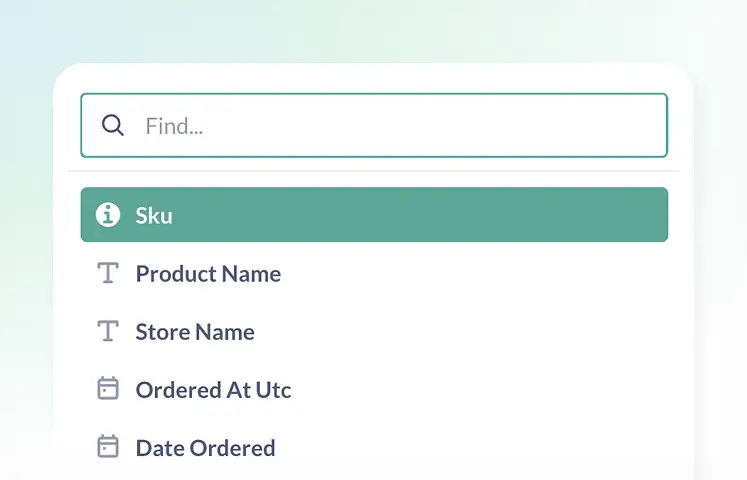
ShipMonk Automation Rules are a self-serve, no-code workflow tool built directly into the fulfillment dashboard. They allow merchants to create “If this, then that” logic to automate complex order processing tasks—such as routing orders, holding shipments, or changing packaging—without needing developer support or submitting tickets.
How does the "If this, then that" logic work in fulfillment?
The system follows a specific three-step logic structure designed for automated fulfillment:
Trigger
Condition
Action
Is ShipMonk automation free to use?
Yes. Unlike many other 3PLs or software providers that charge extra for advanced logic or professional services, Automation Rules are included for free for all ShipMonk merchants. There are no incremental fees for using the tool to manage high-SKU catalogs or complex routing.
How do Automation Rules improve fulfillment speed and accuracy?
Automation Rules improve performance by eliminating manual touchpoints. By replacing manual edits with instant, rule-based actions, merchants remove human error and bottlenecks. Changes go live immediately, meaning brands can scale quickly without adding headcount or waiting for IT sprints.
What makes ShipMonk’s automation different from other fulfillment software?
The primary differentiator is that ShipMonk’s Automation Rules are native and self-service.
Native: Logic is built into the core platform, not a third-party add-on.
Self-Service: Merchants control the rules directly.
Instant: There is no “dev queue”—rules apply the moment they are saved.
Ready to automate your fulfillment logic?
Take control of your workflows, eliminate bottlenecks, and scale smarter with Automation Rules.